- Language
- JavaScript
- Last commit
- 1h ago
- Forks
- 0
- Open issues
- 0
- Registry update
- Oct 15, 2026
Connect
npm$claude mcp add zeptap \ -- npx -y @zeptap/[email protected]
Environment variables
Nothing to configure — it works as is.
Security review
Review passedReviewed 20m ago.
- metadata
- scanned
- packages
- 1 checked
No findings.
Tools
This server runs on your machine, so its tool list is not fetched before install — the README below describes what it offers.
README
Zeptap/mcp/README.md
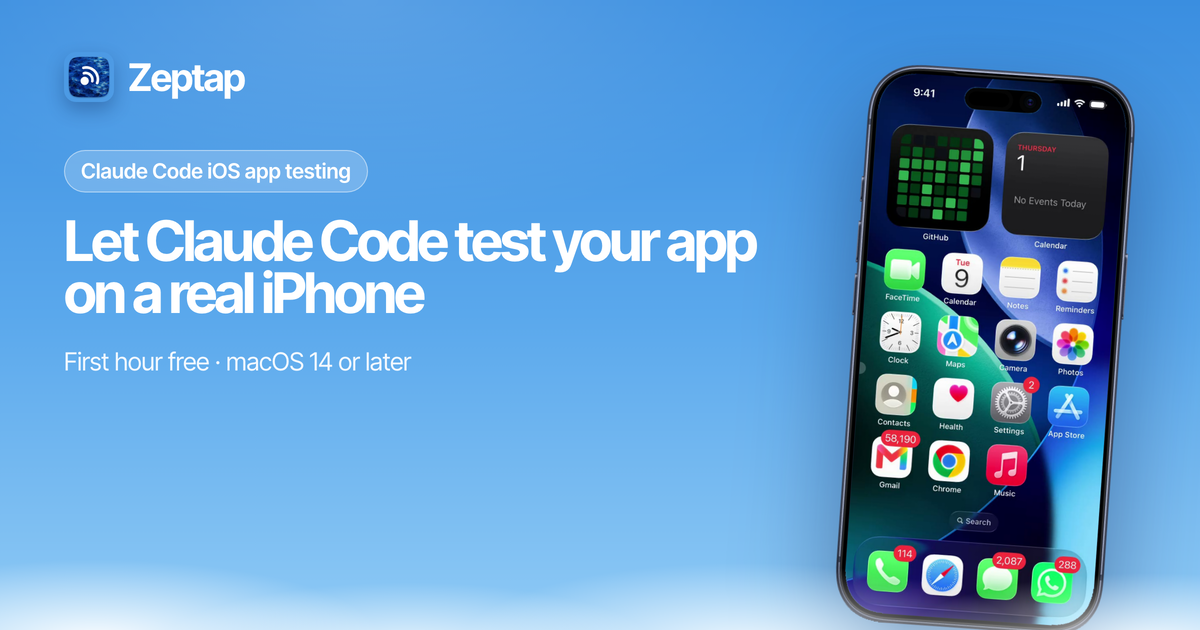
Let AI agents see, tap, swipe and type on a real iPhone.
MCP configs, a Claude Code plugin, an agent skill and a stdio relay for the Zeptap Mac app.






What it is
Zeptap is a Mac app that lets AI agents operate a real iPhone. The Mac reads the iPhone screen over USB and sends taps and typing over Bluetooth through AssistiveTouch. The app runs a local MCP server at http://127.0.0.1:47801/mcp (Streamable HTTP, loopback only, no auth). Every action returns a screenshot, so the agent checks its own work.
Use it to test your own iOS apps on a physical device, or to hand everyday phone tasks to the agent you already use.
"open my app and walk through signup" · "screenshot every screen in dark mode" · "turn on Low Power Mode" · "find the wifi password in Settings"
This repo holds the client configs, plugin, skill and relay. It does not contain the app.
Good to know
🔌 Nothing to install on the iPhone. No Xcode, no Developer Mode, no Apple Developer account. The only step on the phone is Bluetooth pairing.
📱 Real iPhone, not a simulator. App Store apps, Settings, Safari, Messages, TestFlight builds. If you can tap it, the agent can.
🔒 Local only. The MCP server only accepts connections from the same Mac. Screenshots go only to the agent you connect. See privacy.
💳 Paid Mac app, first hour free. The Mac app is closed source. After the first hour of live use: $25/month, $99 once, or $199 once for up to 5 iPhones. See pricing. Everything in this repo is MIT.
Get started
- Download Zeptap, or
brew install --cask zeptap/tap/zeptap. - Connect your iPhone with a USB cable, tap Trust, and pair Bluetooth in the setup assistant.
- Add the server to your agent (below), then ask it to take a screenshot.
You need: a Mac on macOS 14 or later with Bluetooth, an iPhone, and a USB cable.
Connect your agent
Claude Code
claude mcp add --transport http --scope user zeptap http://127.0.0.1:47801/mcp
Or install the plugin, which adds the server and the skill:
/plugin marketplace add zeptap/mcp
/plugin install zeptap@zeptap
Cursor
~/.cursor/mcp.json:
{ "mcpServers": { "zeptap": { "url": "http://127.0.0.1:47801/mcp" } } }
Codex
~/.codex/config.toml:
[mcp_servers.zeptap]
url = "http://127.0.0.1:47801/mcp"
VS Code
.vscode/mcp.json:
{ "servers": { "zeptap": { "type": "http", "url": "http://127.0.0.1:47801/mcp" } } }
Claude Desktop and other stdio clients
{ "mcpServers": { "zeptap": { "command": "npx", "args": ["-y", "@zeptap/mcp"] } } }
Or without Node:
{ "mcpServers": { "zeptap": { "command": "/Applications/Zeptap.app/Contents/MacOS/Zeptap", "args": ["--stdio"] } } }
Check it works (with Zeptap open):
curl -s http://127.0.0.1:47801/mcp -H 'Content-Type: application/json' -H 'Accept: application/json, text/event-stream' -d '{"jsonrpc":"2.0","id":1,"method":"tools/list"}'
Tools
| Tool | What it does |
|---|---|
list_phones | The iPhones connected to this Mac, with ids to pass as phone |
screenshot | Current iPhone screen as an image |
find_text | On-device OCR of screen text, optional filter |
wait | Wait, then return a settled screenshot |
load_skill | Return a built-in app guide |
tap, double_tap, long_press | Touch at x, y |
tap_text | Tap a visible text label |
drag, flick | Drag between points, or scroll in a direction |
type_text, press_key | Type text, or press a key with modifiers |
home, back, dismiss | Home Screen, go back, close sheets or keyboard |
open_app | Open an installed app by name |
lock, unlock | Lock over USB, unlock with a passcode saved in the Keychain (opt in) |
Every action returns a screenshot after the screen settles. Every tool except list_phones takes an optional phone; without it, tools act on the iPhone that is active in Zeptap. Full reference: zeptap.com/docs/agents/tools.
What's in this repo
| Path | What it is |
|---|---|
skills/zeptap/SKILL.md | Agent skill: connection check, look-act-verify loop, when to ask first. Copy to ~/.claude/skills/ or install the plugin |
.claude-plugin/ | Claude Code plugin and marketplace manifest |
.mcp.json | MCP config the plugin installs |
bin/zeptap-mcp.js | @zeptap/mcp, a stdio relay that starts Zeptap --stdio. Set ZEPTAP_BIN if the app is not in /Applications |
server.json, smithery.yaml | Registry manifests |
FAQ
Does it work with Android or the iOS Simulator?
No. Zeptap drives a real iPhone that is cabled to the Mac. Windows, Linux and remote phones are not supported either.
Can it run several iPhones?
Yes. Call list_phones, then pass phone on each call. Calls for different phones run side by side. Up to 5 iPhones need the Lifetime Plus license.
What is it for?
Testing your own iOS apps and automating your own accounts and apps. Not for fake engagement, bulk account creation or device spoofing.
Support
Email [email protected] or read the docs. Errors are covered in troubleshooting.
Made by Afterlume Labs
From the server's repository — third-party content, read it before running anything it suggests.
More in Browser
H/Ai Browser
io.github.festuscharles-n
Let AI agents drive VS Code's built-in browser alongside you, with click-to-source.
Deputy
io.github.zraisan
Any web page as a typed tool call, run in your own logged-in Chrome. Needs a Deputy Pro key.
MapsData
ai.mapsdata
Build lead lists from Google Maps: businesses with emails, phones and websites, US/CA/UK/AU.
Chrome DevTools MCP
io.github.ChromeDevTools
MCP server for Chrome DevTools
offprompt
io.github.offprompt
Ask the human for API keys in a browser page and write them to .env. The model only sees key names.
JsonLink
io.github.mauriblint
Web access for AI agents: URL to Markdown, link metadata, screenshots, links and images of any URL.
Listing from the official MCP Registry · repository facts from GitHub, 22m ago.